

Magus OST converter tool does support the batch conversion of multiple OST files in one go. Whether you are handling hundreds of emails or large-scale migrations, the software ensures quick, smooth & reliable processing. One can import single files, folders & sub-folders automatically with the tool. The tool to convert Outlook OST files allows users to choose files via Select File(s) option. Or, converting OST files from Outlook folders is also possible by choosing the Select Folder(s) option.
The OST migrator does maintain all the vital data elements of your OST files including the sender/recipient details, subject lines, timestamps, message body, images & attachments. Advanced metadata which includes internet header, & categories are also retained. The tool is built with advanced algorithms that allow users to scan and convert offline OST files in bulk or separately while keeping the attributes maintained during and after the conversion process completes.
Using the OST converter tool can help you retain the original folder structure from the source of the Outlook OST file. This software to migrate OST files can help you with a seamless transition from your old environment to the new one without losing track of email organization. This robust feature of the converter software ensures that you find your emails exported in the same manner as they were before the conversion. Meaning, the software will work to transfer your OST files in the same flow for better management
Every user who is looking to migrate their OST files in bulk to access it in a different email client can use the Magus OST migration tool. This software is capable of converting bulk OST files to different formats such as PST, EML, MBOX, MSG, etc. If users want to import OST files to Mozilla Thunderbird, they can choose the MBOX format. Or, in the case of importing OST files to Apple Mail, two different formats can be used to convert OST files. Moreover, for opening an OST file in Gmail, the tool offers to convert the files in the compatible file format quickly.
Our OST conversion software has the ability to transfer corrupted OST files as well. Meaning, the files that are corrupted or damaged extensively can also be transferred using the software. It allows users to insert the file or folder of corrupted OST files and scans them for migration. After choosing the file format, users can start the conversion after which, the files are exported to the chosen format and are left without any corruption or damages. The tool also reduces the risk of data loss.
The Magus OST Converter software is an independent tool & it does not require for any MS Outlook to be installed. In the meantime, it supports both ANSI & Unicode OST files from all Outlook versions including Outlook 97 to 2019 & Microsoft 365. Users without the application do not have to worry about their data not being converted correctly, the software is capable of exporting OST files to any desired format by just uploading the files already stored in your system. This is a great feature for users who do not want to install Microsoft Outlook or just want to perform the conversion.
One can easily optimize for speed & accuracy, this OST converter processes large OST files & extensive mailboxes swiftly without compromising system performance & data integrity. Users looking for a quick migration process of offline OST files in bulk without facing any issues or limitations of time-taking processes can use this tool. It helps in migrating OST files in a quick and stress-free motion taking away all the manual efforts to be put in by the users. Moreover, the tool helps in creating a backup of offline OST files in MS Outlook.
The OST converter software works entirely offline & keeps your data private, which is ideal for corporate, legal, finance & healthcare sectors requiring strict confidentiality. With that, the conversion tool allows users to keep their data secure from all the threats and errors of corruption ensuring users a safe migration. Since there is important information stored in these emails, keeping them safe is of utmost importance which is why Magus Tools OST conversion software is programmed with technology that makes the conversion private and secure.
The OST Converter software is capable of migrating all the OST files consisting of all the data required to their desired export option. The software is built with robust technology that allows users to migrate their OST files in bulk. With the help of the software, users can transfer their OST files containing emails, contacts, calendars, and other categories to export them to a different format. This helps users keep a backup of their data files in the chosen export option and access it in a compatible email client.
With the help of the OST converter, users can easily convert all types of OST files without any limitations. The tool helps users to convert orphaned, corrupted, inaccessible, or high damaged OST files to any desired format. Moreover, the converter software also helps users to migrate password protected files and even those files that have been created by Exchange, IMAP, or Microsoft 365 accounts. This OST conversion tool is built with technology that allows users to migrate their files without facing any data loss and handles conversion of large-size OST files.
Personalize your Output files with an flexible naming conversions like subject+Date, From+Subject, and etc. However, one can built-in filters to export only specific data ranges or types.
Export OST files into multiple popular formats without modifying the original data. These options include multiple formats supported by numerous email platforms, which makes migration to different platforms seamless.
The OST Converter Software is one of the top-rated solutions designed to help the users to convert Outlook OST files into multiple formats such as PST, MBOX, EML, PDF & many more. This tool known for its accuracy, speed & advanced filtering options. The robust features of OST migrator is an ideal choice for the users transitioning from exchange or Outlook environments to the other formats.


We have migrated multiple OST files into the Outlook data file for archiving. However, the batch conversion was done impeccably, everything was maintained perfectly throughout the conversion.

New York
We needed a secure way to convert OST files without uploading sensitive client data. However, the OST converter worked locally, as well as the preview feature helped to confirm our files before conversions.

USA
I am not tech tech-savvy person, but I was able to convert my Outlook OST files to MBOX for the Apple Mail without any issues. Thank you for your support team for walking me through the process step-by-step.

Miami
Trial Limitations
Limitations
The trial version of the Magus Tools OST converter tool will let you convert 10 emails from each folder of a mailbox of OST files. For unlimited conversion, you would have to purchase your license version.
System Specifications
Hard Disk Space
Minimum 1GB free hard disk space
RAM
Minimum 512 MB Ram
Processor
Pentium Class
MS Outlook Versions
Supported Editions
Windows Vista SP1, Windows 7, Windows 8, Windows 10, & Windows 11 (32 & 64 bit server).
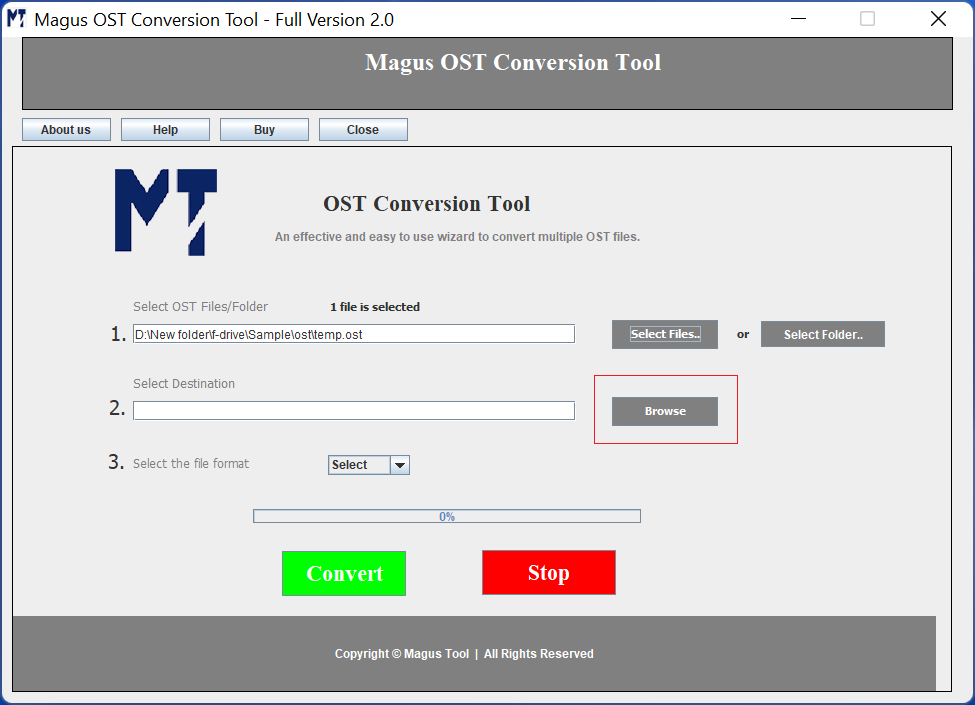
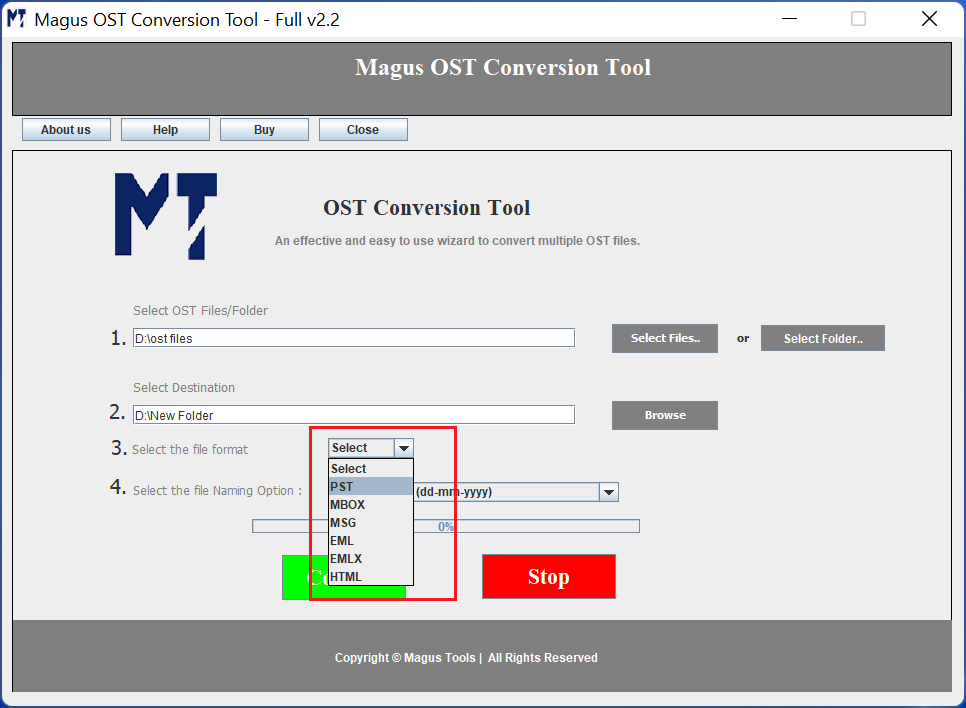
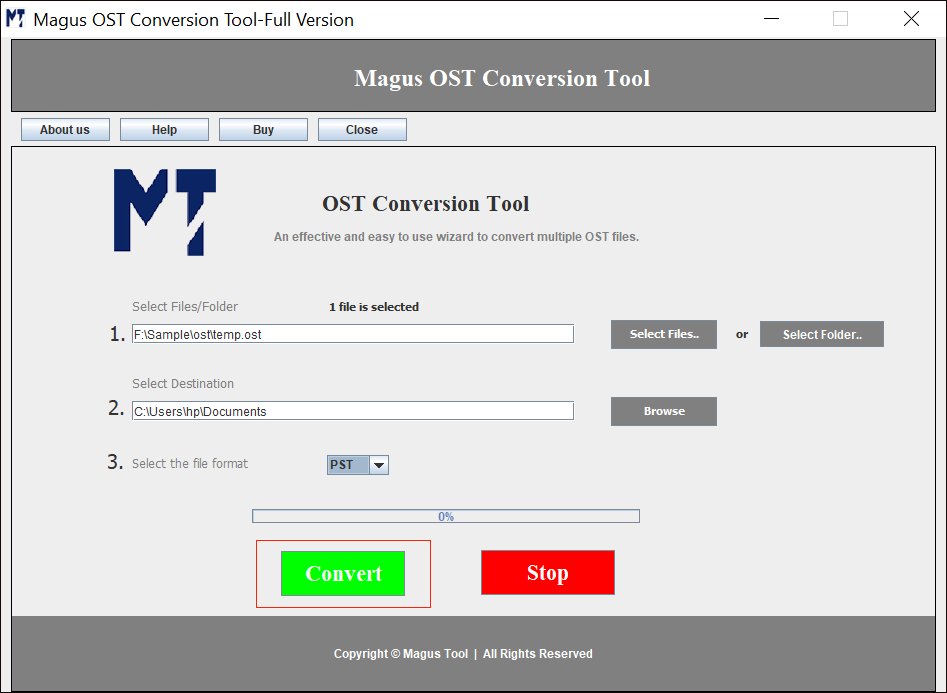
1. Download the Migrator Software
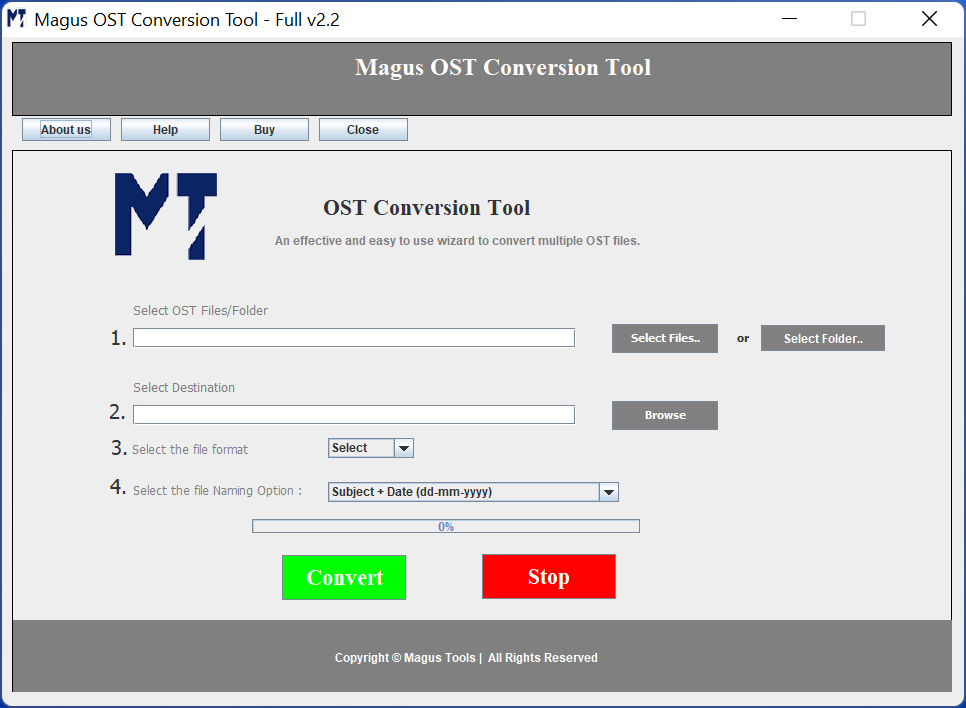
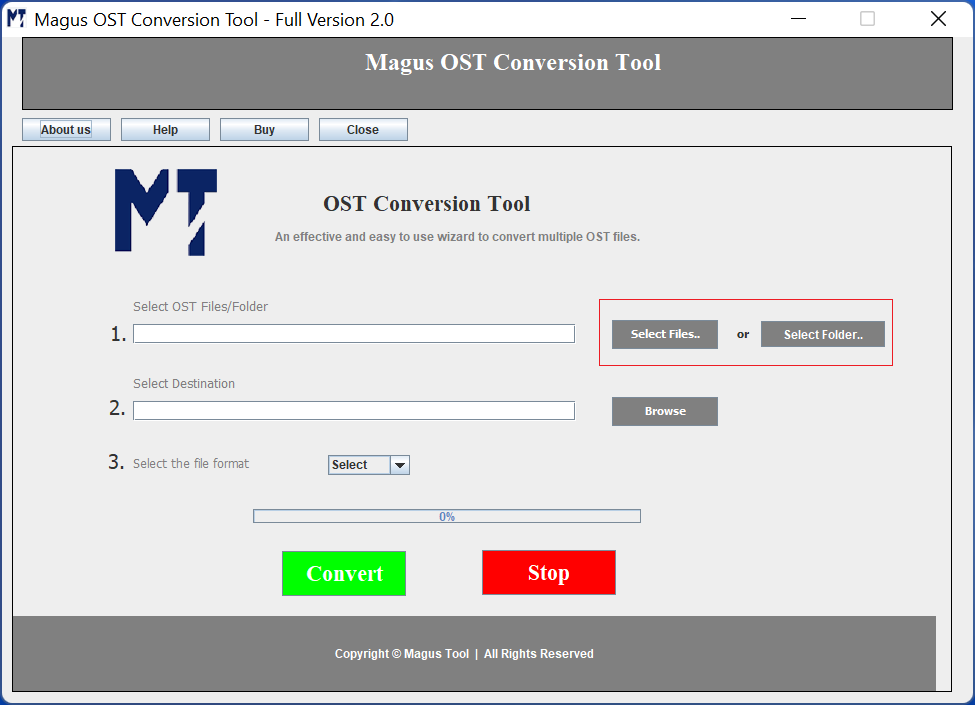
Start by installing & launching the software on your system
2. Browse File or Folder Option
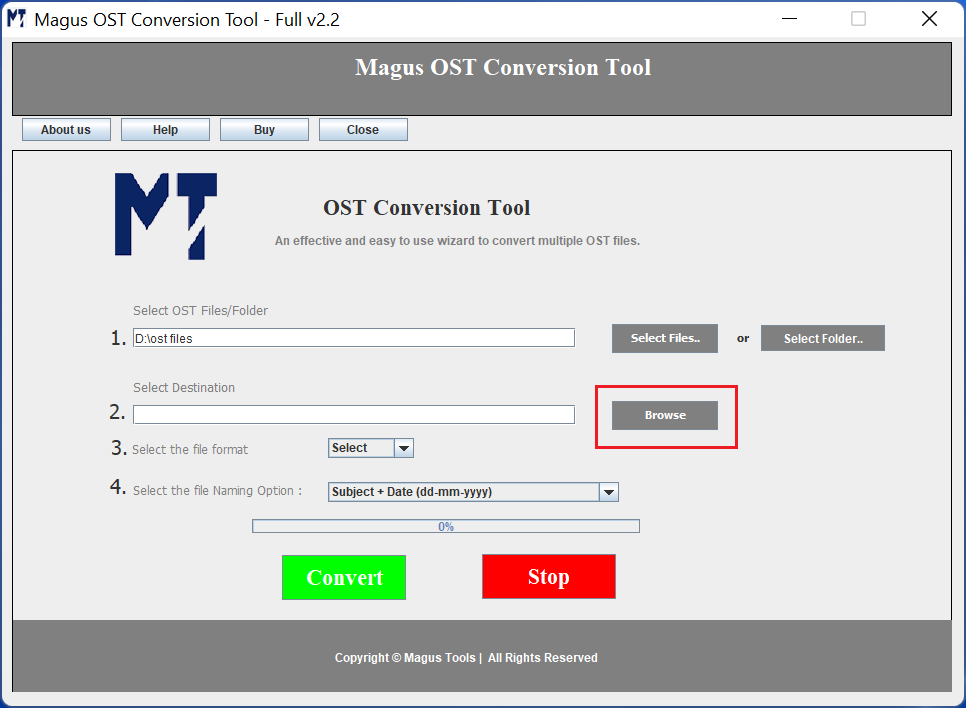
Click on the select file or folder option & choose your OST file.
3. Choose File Destination
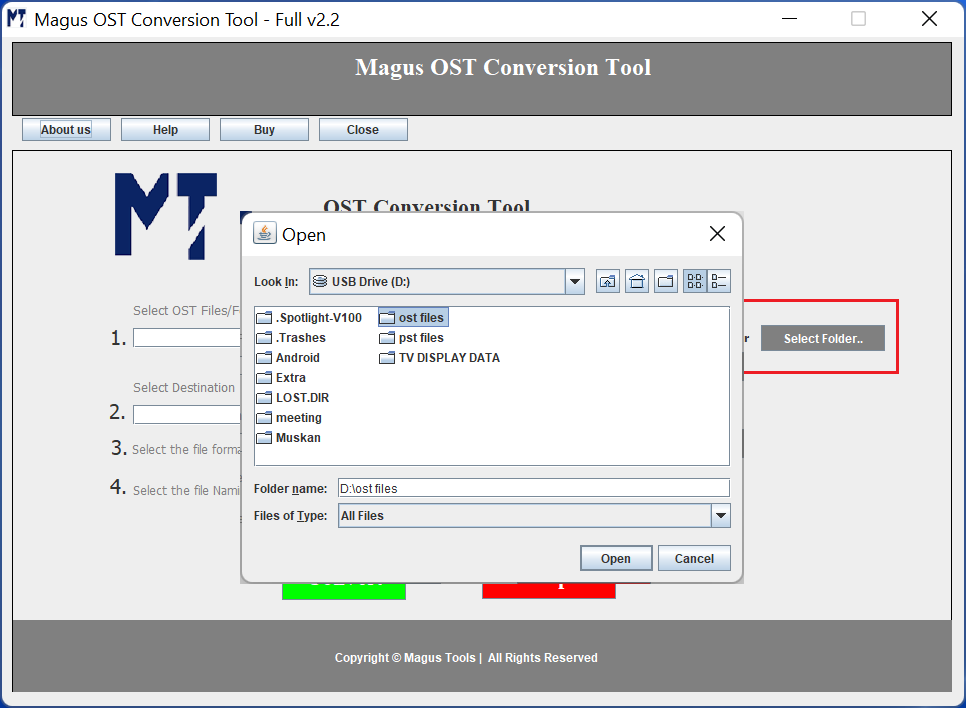
Select the Browse Option & choose a destination for your files.
4. Set Format & Filters
Choose the File Format as needed & apply the advanced filters as needed.
5. Complete Procedure
At the end, click on the convert button & wait for the transfer to complete.
|
Features |
Trial Version |
Personal |
Business |
|---|---|---|---|
| Convert OST Files |
10 Items / Folder |
Single User License |
Multiple User License |
| Retains Email Formatting |
|
|
|
| Naming conventions |
|
|
|
| Save Your Files into Chosen Destination |
|
|
|
| Number of Devices |
|
Upto 2 Users/machines |
2+ users and all businesses |
| Lifetime Support |
|
|
|
| Free Updates |
|
|
|
| Pricing |
Free |
$29$19 |
$99$69 |
| Purchase Link |
The OST converter software specializes in recovering and migrating data from OST files:

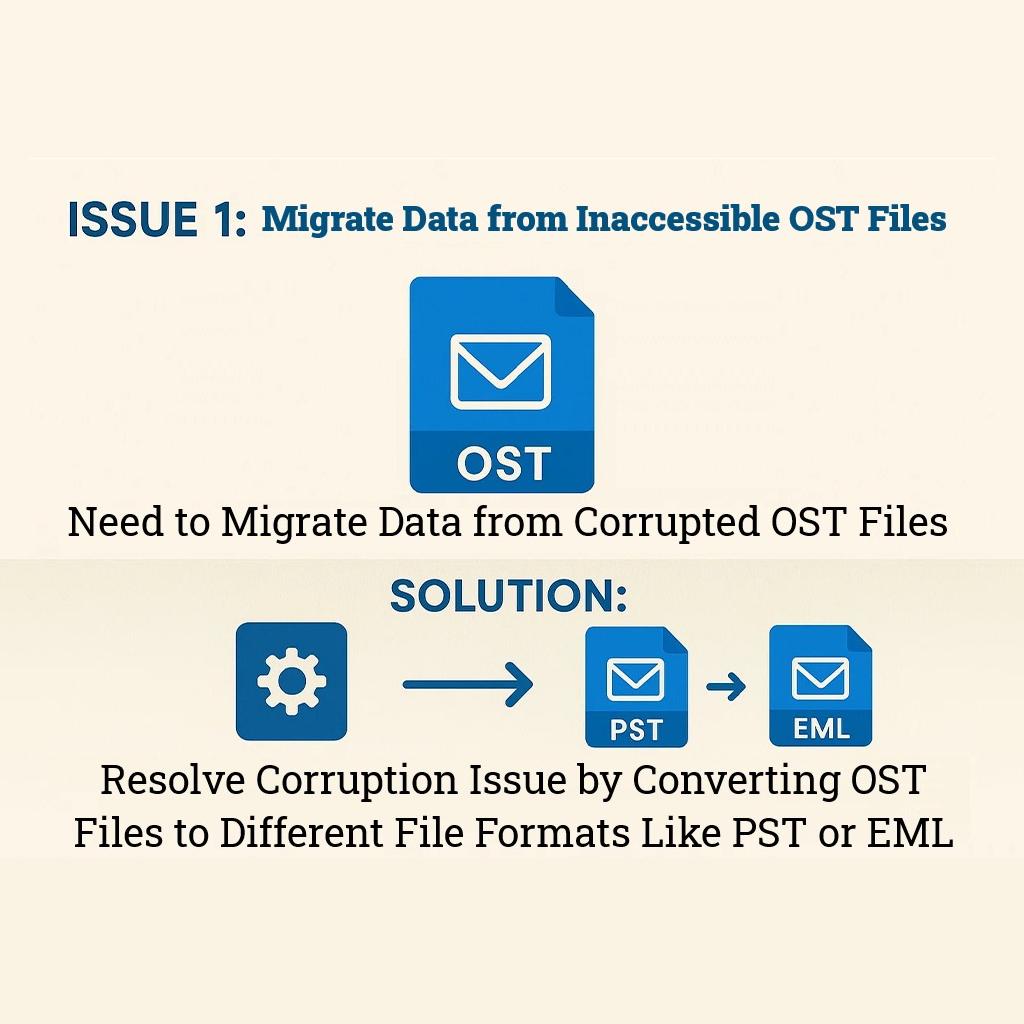
Recovering Data from Inaccessible or Corrupted OST Files
There are various OST files that are damaged or corrupted due to multiple reasons including server crashes, disk failures, or synchronization errors. This causes the Outlook OST files to become unreadable. OST converter tool is a robust software that allows users to restore their data files and import OST files in new Outlook. The software helps users to access the files they want and minimize potential data loss.

Accessing Orphaned OST Files
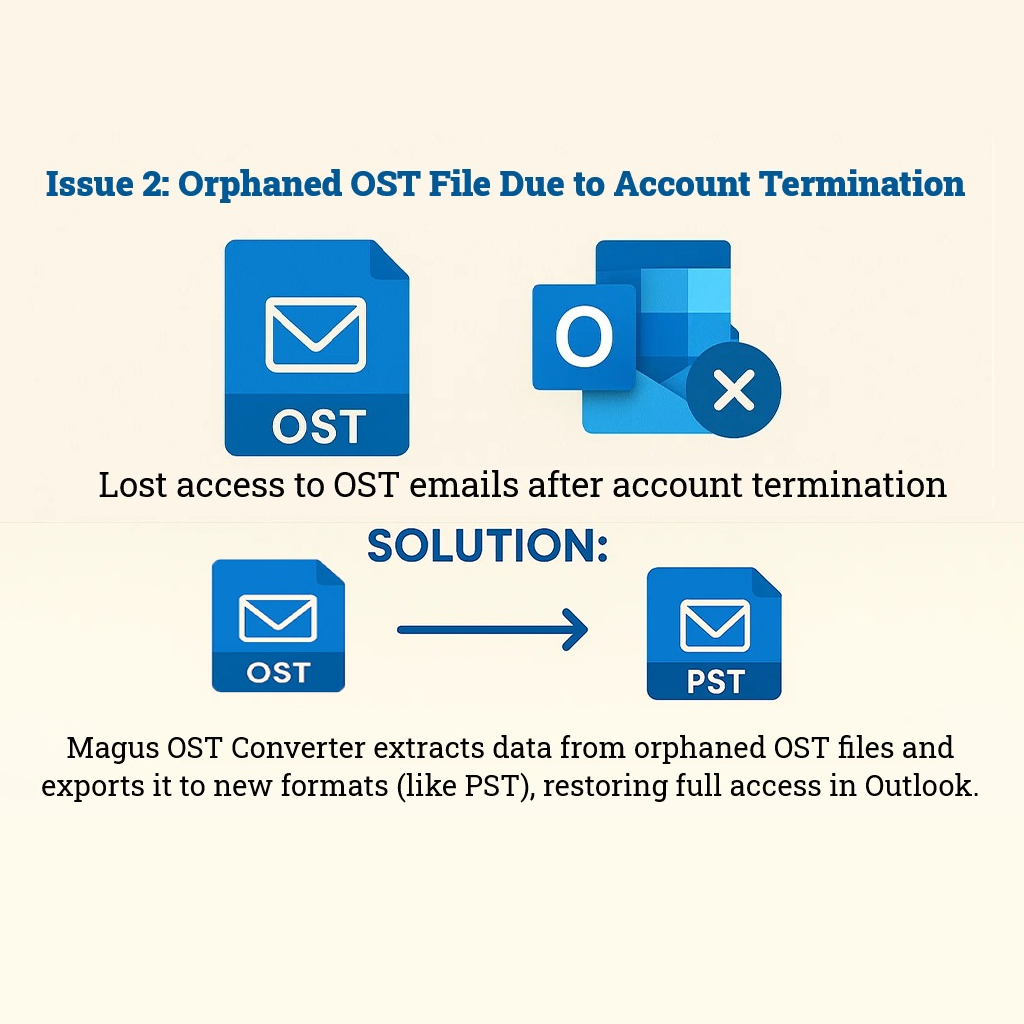
Orphaned OST files are basically those files that are disconnected from their original mailbox or Exchange server. This issue is quite common after an account is deleted or the files are migrated. The standard Outlook apps fail to open the OST files and the OST conversion software comes into the picture in such cases. The software recovers the emails, contacts, and calendar items and converts the data to desired file format.

Migrating Data to Another Platform or Profile
When users move from one email client to another, the need to export their data to the other compatible file format becomes necessary. If you are moving your data to a new Outlook profile or email client, OST converter tool can be very useful. Users who want to copy Outlook OST files to another computer can transfer the data in another format and make the transfer. Or, if you want to open OST files in Mozilla Thunderbird, the tool also offers the compatible format for conversion.
Scenario 1:
“I was working on Outlook when there was a power outage which abruptly shut my Outlook application down. I discovered that my Outlook OST files were corrupted and became inaccessible due to that. I want a tool which can migrate the data from corrupted OST files.”
Resolution:
The Magus OST conversion software allows users to recover all the data from the OST files within minutes. The tool is capable of restoring data from the inaccessible or corrupted files and resolving the data loss issue. Users can not only recover emails but also attachments and other data without requiring technical support.
Situation 2:
“I have lost access to my essential work emails and data after my account got terminated. The OST files are no longer connected to any mailbox due to which the traditional Outlook recovery methods are impossible. I am looking for a tool which can transfer orphaned OST files as well.”
Solution:
Using the OST conversion software allows users to retrieve the data from orphaned Outlook OST files as well. With the help of this tool, all the necessary emails and attachments are migrated to a new file in any desired format. Users regain full access to their data in Microsoft Outlook.
Situation 3:
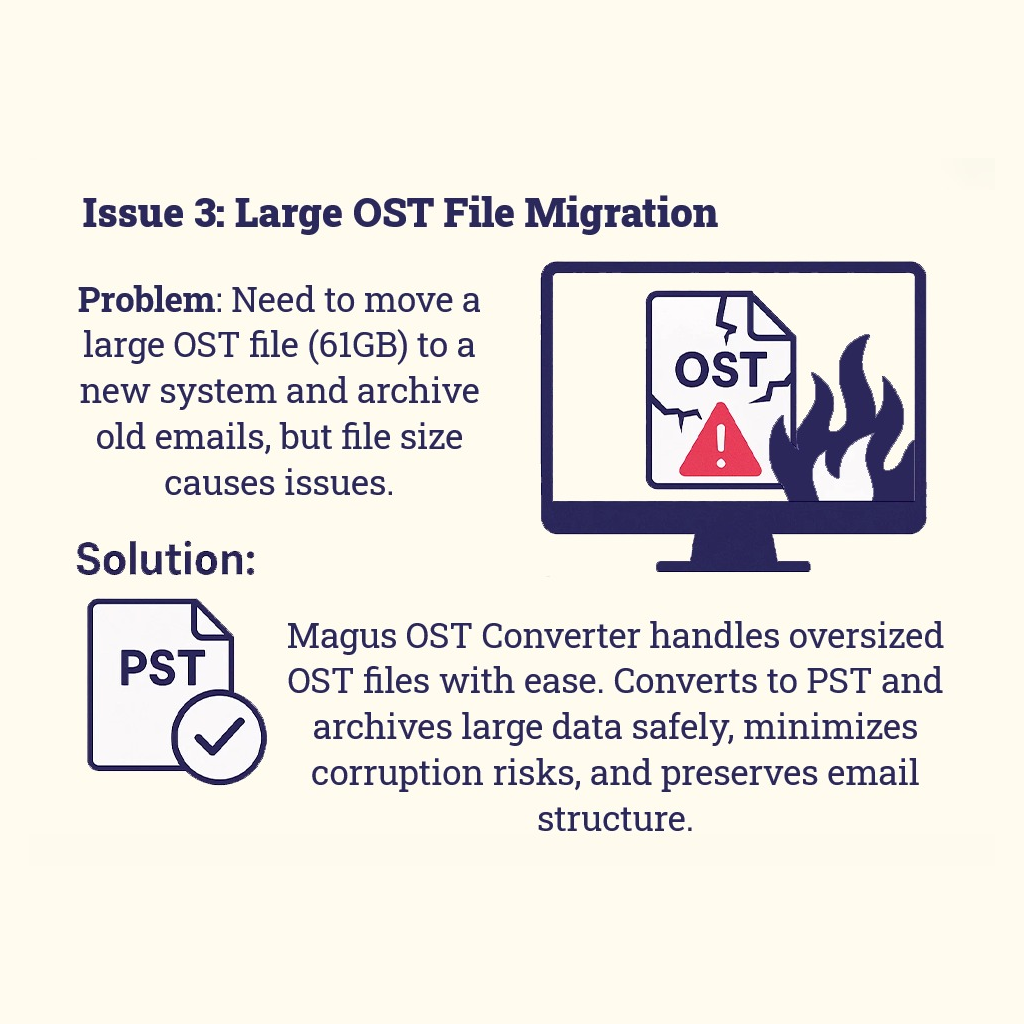
“Our organization needs to migrate a massive (61GB) OST file containing years of important corporate emails to a new email system while archiving older communications. We are looking for an automated solution which can make conversion of such a large file easier.”
Solution:
Magus OST converter software is technical, yet a very easy-to-use software that makes migrating oversized OST files easier. Due to the size issues, the files can become corrupted or damaged that the software easily overcomes. Moreover, it reduces the risk of future corruption and helps in improving the performance. The data can be converted to the other file format of Outlook (.pst) and help users preserve their emails in the same manner as before conversion.
Email: With Magus OST converter tool, users can export their OST files while maintaining the email properties. The software ensures that the header section including,
Other attributes like the Body of the email including the content, inline images, and links are kept intact. Also, the bottom section including the Signature and any attachments are maintained in the same format.
Attachments: There are plenty of file formats that are supported by OST converter while exporting emails from OST files. The tool has the ability to perform a quick transfer of OST data files with attachments and keeps the format the same. Any format such as,
and other formats are all maintained during the transition
Folders: Not just the Inbox, the OST conversion tool ensures that you have the access to migrating all the other folders or sub-folders you have created. The Inbox, Outbox, Sent Items, Drafts, Deleted Items, Notes, Journals, Tasks, and anything else created by you can be migrated with the help of this tool to the desired format in the same structure.
Contacts: With the help of Magus OST Migration tool, it is possible to migrate your emails, but the Contacts are also not left behind. Our software is compatible with migrating everything that is stored in Offline OST files including the contacts. All the fields that are filled in your contacts are considered and migrated along with the details. This includes the Phone Number, Email and Business Address, Name, Home Address, Office Address, Image, Location, and other fields that are required:
Calendars: Calendar events and meetings are quite important for everyone to not forget and miss it. The OST conversion software is built with robust features that also allow converting the Calendars as well. The data will be kept intact with the original time and date of the specific events. Everything that is converted includes Events, Meetings, Recurring Events and Meetings, Appointments, Reminders, Tasks, etc. Everything is converted in the same format with the same details to ensure management:


